What is Stylish Fonts Creator?
Anyone from any age group can just enter their name or anything else on their mind — it may be your WhatsApp name, maybe your Free Fire name, PUBG name, Instagram caption, Instagram bio, or anything else. Just enter the text inside the given text box, and boom, magic suddenly happens, and you can see below how this stylish text creator creates your name in a very stylish way.
About the Stylish Fonts Creator
Hey, what's up? Have you seen this type of tool before? Let's talk about what this tool actually does for you and how it helps make your social media more attractive. It also helps you write your messages in an attractive way, and you can do a lot of things using these styles.
If you want your profile name or bio to look attractive, or if you're looking for a stylish gamer tag—like an eye-catching name for Free Fire or PUBG—you can achieve this with this tool: simply type your name into the text box and watch the magic happen; your name will be transformed into various stylish fonts that you can copy and paste.
How to use Stylish Fonts Creator?
Using this tool is very simple. Just enter your name or anything else inside the given text box, and you can see below how this stylish text creator creates your name in a very stylish way.
📱 Step-by-Step Guide with Screenshots
Follow these simple steps to create stylish fonts in seconds
💻 Desktop Guide
Visit the Website & Type Your Text
Open www.stylishfontscreator.com in your browser. You will see the stylish font creation tool and a text box at the top. Click inside the text box and type your name or any text you want to style.
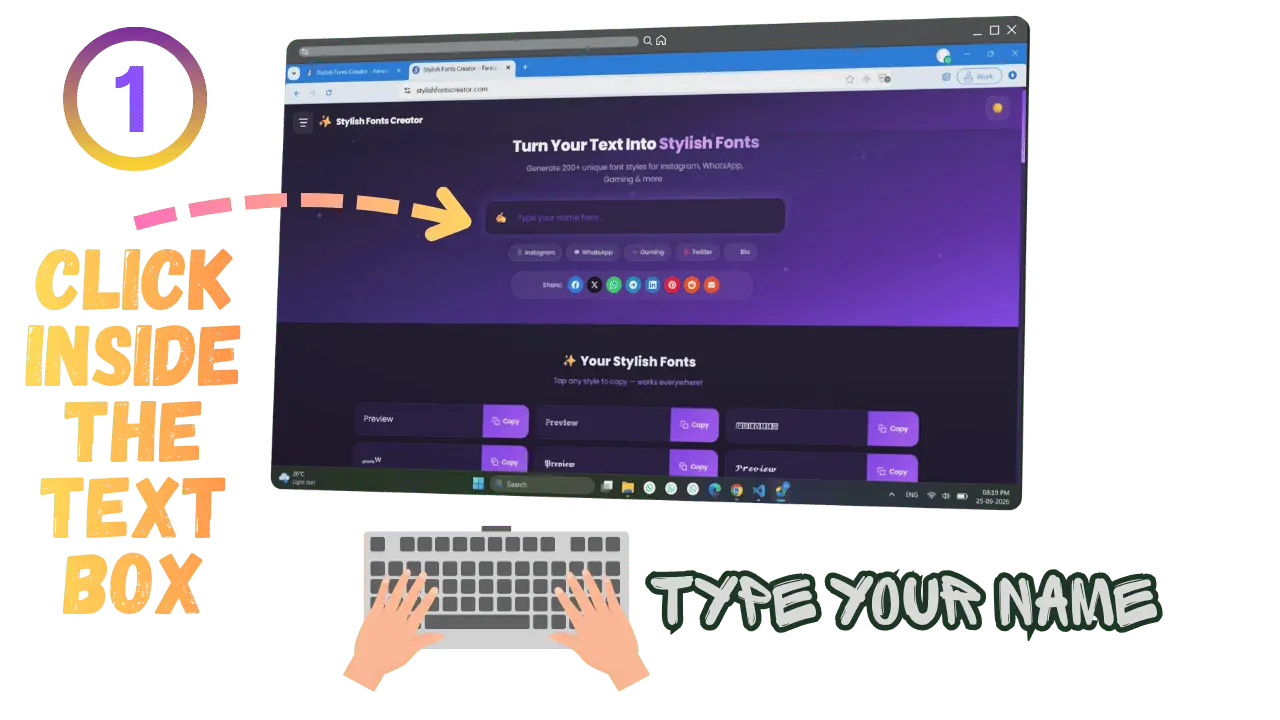 Type your name or text in the input box
Watch the Magic Happen Instantly
As soon as you start typing, the tool automatically generates over 200+ attractive font styles below the text box. Each style appears on its own card with a purple "Copy" button on the right. Explore the options to find your favorite style!
 Browse through 200+ stylish font styles
Click the Copy Button
Have you found a style you love? Simply click the purple "Copy" button next to that font style. The button will turn green and display "Copied!" to confirm that your styled text has been copied to the clipboard.
 Click the purple Copy button next to your favorite
style
Paste Anywhere You Want
Now paste your stylish text wherever you like: in your Instagram bio, WhatsApp status, Facebook post, gaming username, or on any other platform. Just press Ctrl+V (Windows) or Cmd+V (Mac) to paste it. Done! Your text now looks amazing.
 Paste your stylish text on Instagram, WhatsApp, or
anywhere!
📱 Mobile Guide
Open the Website on Your Phone
Open your mobile browser (Chrome, Safari, etc.) and go to www.stylishfontscreator.com. The website is fully optimized for mobile devices. You'll see the clean header with the hamburger menu and the text input box.
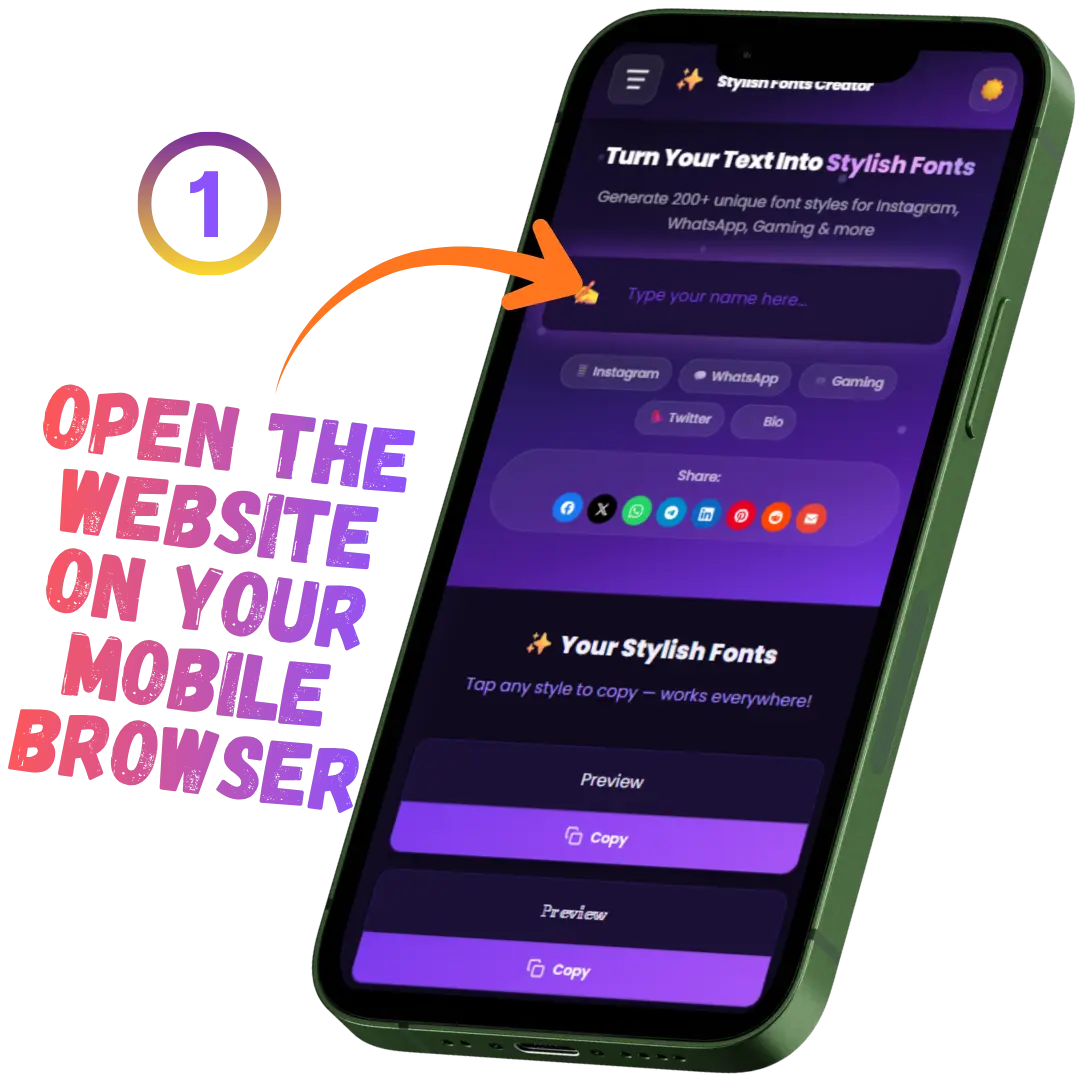 Open the website on your mobile browser
Type Your Text in the Input Box
Tap on the input box and start typing your name or text. The mobile keyboard will appear automatically. As you type, stylish font styles will generate instantly below the input box.
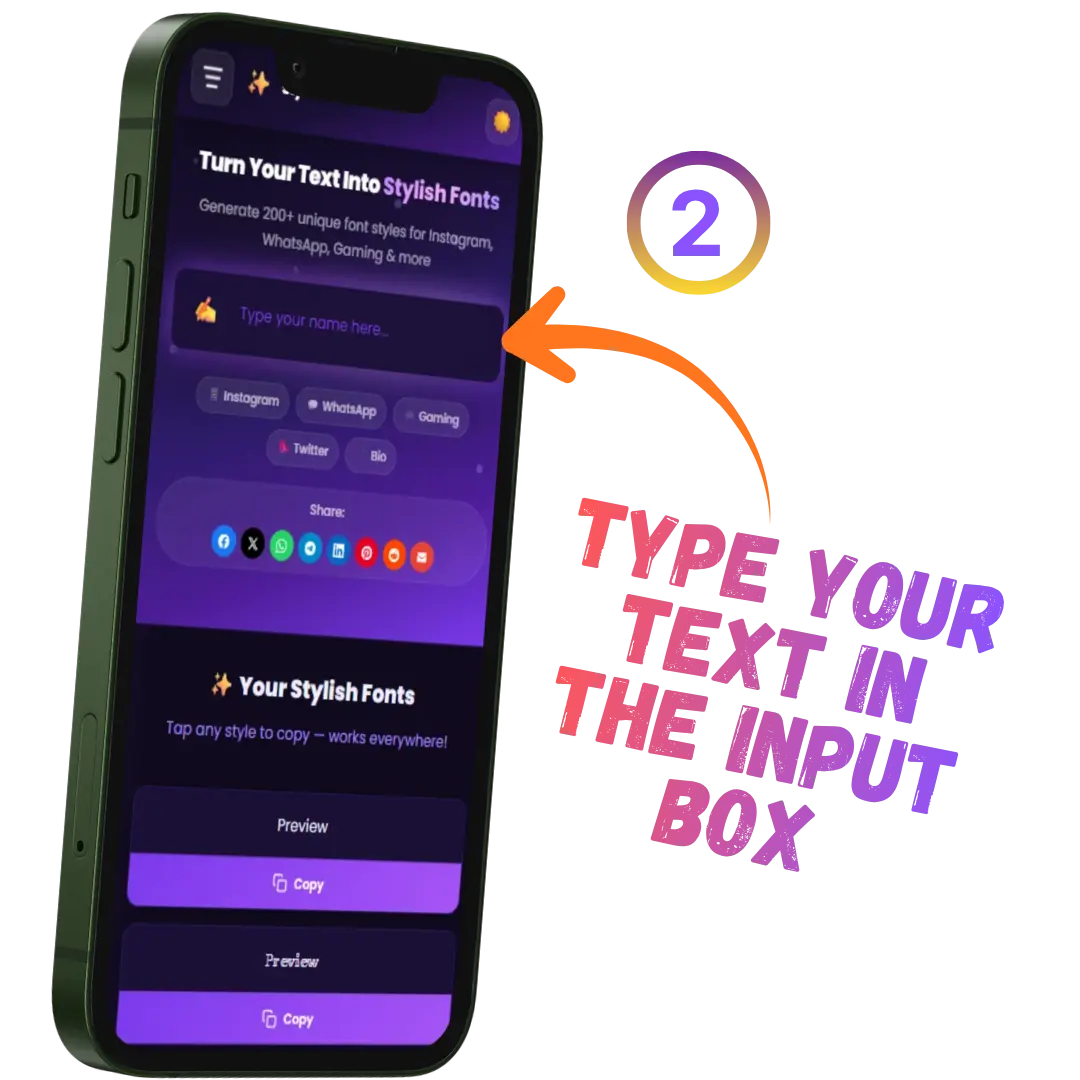 Tap and type your text in the input box
Scroll & Find Your Favorite Style
Swipe up to scroll through all the generated font styles. Each style is displayed in a card format. Take your time to browse and find the perfect style for your needs.
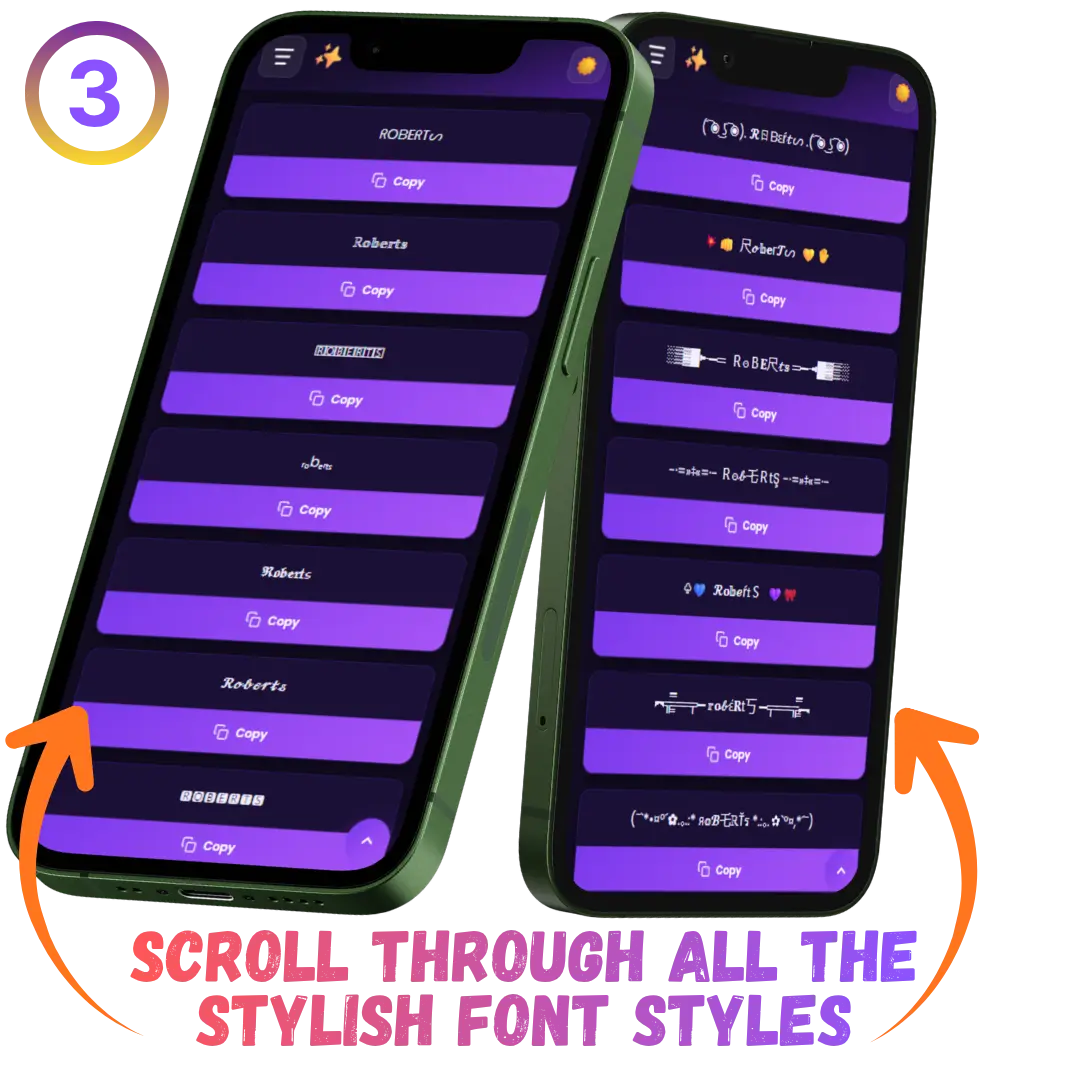 Scroll through all the stylish font styles
Tap Copy & Paste Anywhere
Tap the "Copy" button on any font card. You'll see a "Copied!" notification. Now open any app (Instagram, WhatsApp, etc.) and long-press to paste your stylish text. Done!
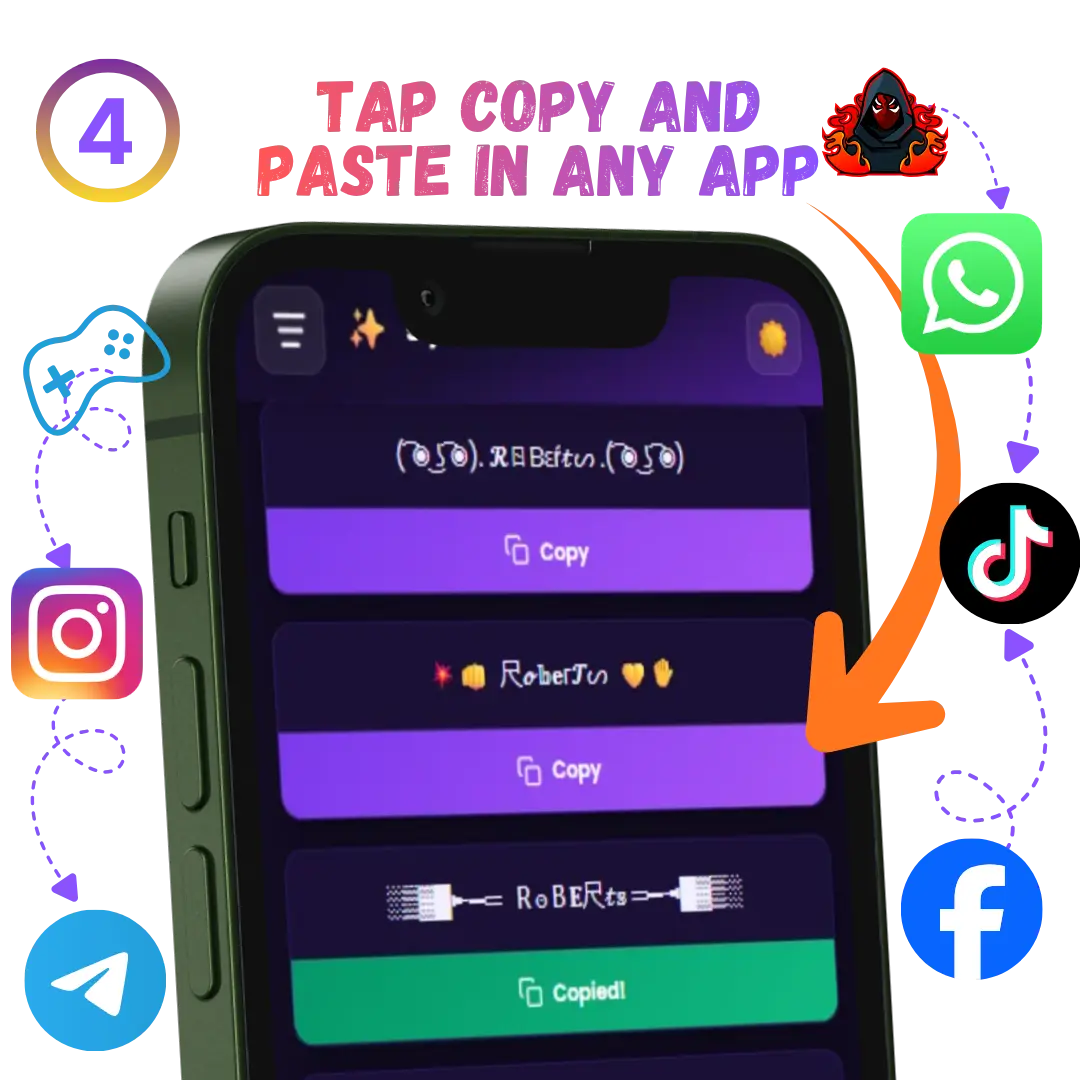 Tap Copy and paste in any app
💡 Pro Tips
- Try Different Text: Experiment with names, quotes, or phrases to see how they look in different styles
- Use Load More: Click the "Load More Styles" button to see even more font variations
- Dark Mode: Toggle dark/light mode using the moon icon in the header for comfortable viewing
- Share with Friends: Use the share buttons to tell your friends about this amazing tool
- Works Everywhere: All generated fonts work on Instagram, WhatsApp, Facebook, Free Fire, BGMI, and more
Story Behind the Idea
I was a computer science student in college, but even though it was a technical college, they just tried to finish the exam-level syllabus as soon as possible. Even in that situation, my close friend and I always tried to do a few extra things — learning some extra, up-to-date skills, and coding was one of them, which suited us best.
Back then, there weren't as many tools to help with our work as there are nowadays. Today, there are various AI tools that can code or write something in just a few minutes, but back then, I had to do everything myself.
I was the student who created not just my own college final-year project, but most of my friends' projects too — all of them coded by me. So it was clear that my interest was in coding. Now, take a look at this tool as one example of that. And it's not just this tool — I've already created multiple different types of websites for various people, completely free of cost.
One day, I was scrolling through Instagram, and suddenly I saw an Instagram account with a name and bio written in a very attractive, stylish font. So I did some research and found a tool that generates this type of stylish text — you just enter your name, and it creates stylish names or bios. Then I looked into it further and found out this was done through coding, which I already knew. So why not build this tool for myself?
But why keep it just for myself, when there was no good-looking website like this available on the internet? So I started working on this tool, and here's the result: Stylish Fonts Creator is ready to use. I also added some extra features to make it more attractive and user-friendly. And now, here it is — the Stylish Fonts Creator tool, completely free for everyone to use.